

Automating accounting means supporting recurring work steps in document collection, invoice processing and approval with software. Instead of transferring information multiple times, companies can record invoices centrally, prepare data for auditing and clearly assign responsibilities. Professional control remains important.
IN THIS ARTICLE01 / 08Digitizing or automating?
This guide shows the difference between digital accounting and real process automation, explains a typical invoicing process and helps to decide between standard software and an individual solution. MSA DataX develops accounting solutions if necessary, which can also be operated on company infrastructure.
Digitalize or automate accounting: What is the difference?
For example, when digitizing, paper documents are scanned and stored electronically. In automation, software additionally takes over individual work steps: it records an invoice receipt, prepares information for the examination or forwards a document to the responsible person.
A typical bottleneck: an invoice arrives by e-mail, the attachment is downloaded, information is manually transferred to a list and later entered into another system, such multiple entries take time and increase the risk of transmission errors.
A good starting point is therefore not the largest possible software solution, but a concrete task: where is the same information collected multiple times, where are the documents left? What queries are repeated? Who knows these offices, can determine the scope of an automation specifically.
Which accounting tasks can be automated?
Software can collect, process and pass on information to the right place. What functions your solution receives is agreed on the basis of your documents and workflows. Typical starting points are:
- Digitizing and assigning documents: Collect documents from agreed sources, file them in a readable manner and assign them to a process.
- Collection of invoice data: Information such as biller, invoice number, date and amount to prepare for verification; identify unclear values.
- Releases: Involve responsible persons and make open test steps visible.
- Transfer to accounting: Provide verified data for agreed exports or interfaces without requiring a specific integration.
The aim is less manual transmission and a clearer overview. Automatic recording does not replace professional controls. Unclear information, special cases and different amounts require a defined test route.
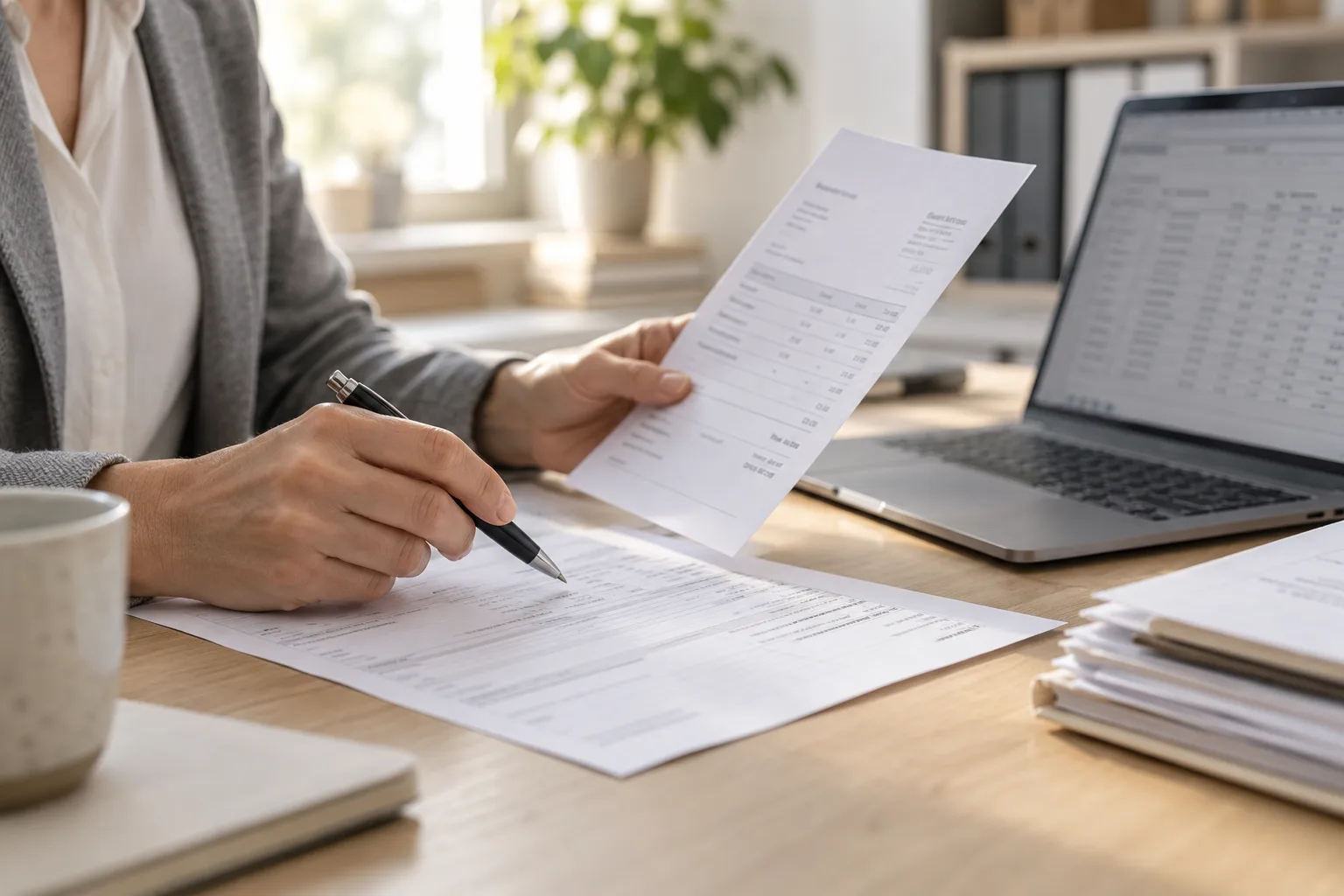
Automatic invoice processing: a process in four steps
An example from the accounts payable shows which steps can be prepared; the exact implementation depends on document formats, responsibilities and existing software; the presentation is not a fixed product specification.
Receiving and assigning
An invoice reaches the agreed-upon receipt. The document is recorded and assigned to a process, instead of landing several times in different folders.
Read invoice data
Invoice number, date, amount and supplier are prepared for an examination, whether an invoice is received as PDF, image or structured e-invoice affects the technical processing, missing or unclear values are indicated.
Check and release
The competent person shall compare the information with the original document and examine any abnormalities, such as a lack of mandatory information or a different amount; exceptions shall be clarified; only then shall the intended release take place.
Passed verified data
The released information is transferred in the agreed format. for example, whether a DATEV-compatible export or another interface is possible, must be checked technically and technically for the specific system.
The greatest benefit arises when information is collected once and then reused in a controlled manner.
Standard software or individual accounting solution?
For many companies, an established accounting software is the most sensible introduction: standard functions, ongoing updates and existing interfaces can already suffice. Individual development is more likely to be considered if special document types, several systems or company-internal approval channels with standard functions cannot be reliably mapped.
First of all, we look at your actual way of working: what data is available, who checks what information, what systems need to work together, and on that basis we define functions and interfaces, and a connection is only promised once the technical requirements have been checked.
Operation and maintenance are also part of the planning. Responsibilities for updates, data backup and support should be just as clear as the functions of the software. A local solution must be able to be maintained in everyday life.
Local accounting software: data protection and operations
Our individual accounting solutions can be operated on your own computers or servers, which allows you to organize the processing within your infrastructure, and which data leaves a system must still be considered for each connection and additional function.
- Access: Who is allowed to see documents, change information or release processes?
- Operation: How are updates, backups and restore organized?
- Data paths: Do email connections, recognition, support or other services require external connections?
- Storage: What requirements apply to the storage and deletion of the respective data?
Local operation alone does not guarantee GDPR compliance. Legal storage and documentation obligations may also be relevant for booking documents and electronic invoices, for example in connection with the GoBD. What requirements apply and how they are implemented must be technically checked for the specific operation. Technical design, configuration and organizational measures belong together.
Further basics: The European Data Protection Board explains data protection through technology design and data protection-friendly presetsThis guide describes our technical approach and does not replace an audit of the specific operation.
Even outside of accounting less manual work
Email management
Assign messages according to agreed rules, pass attachments to the appropriate process or prepare draft responses for review, so that a message can become a clearly assigned task.
Invoice processing
Invoice processing thus provides prepared information for accounting without manually processing the same document several times.
Administrative routines
Filing documents, remembering open tasks, preparing recurring reports or transferring data between tested interfaces is crucial: a clearly defined trigger and a comprehensible result.
Not every task requires AI. Fixed rules can suffice for well-structured processes. Where recognition or AI makes sense, data processing, boundaries and human testing are explicitly planned.
Automate accounting: How to get started
Choose a frequent, manageable process, describe today's process, the people involved and typical exceptions, and this creates a common goal: for example, fewer duplicate entries or a better overview of open shares.
After that, a measurable target and a limited pilot are defined – for example, fewer manual inputs on a recurring invoice type. Tests with suitable sample data, specified approvals and the examination by your team show whether the process works reliably. Only then is the solution taken over into everyday life. Documentation, responsibilities and maintenance are part of the handover.
The costs are based on scope, data sources, interfaces and operational requirements. Instead of a blanket promise of savings, we compare the previous process with the agreed goal.
The most important thing at a glance
Accounting automation reduces recurrent preparation and transfer. Audit steps remain deliberately designed.
Individual, locally operated software can fit your processes and data control requirements.
A clearly defined entry creates the basis for meaningfully connecting further office processes.
YOUR NEXT STEP
Which accounting process do you want to simplify?
Describe to us how invoices and receipts are processed today, and together we check which steps can be meaningfully automated and where controls remain necessary.