

Wix or Shopify? Both platforms make it possible to sell via an online shop, but have different focuses. Wix combines a website builder with shop functions. Shopify focuses on online commerce. Which solution is more suitable depends on the range, payment methods, budget and your daily processes.
IN THIS ARTICLE01 / 08The Quick Decision
The most important question is: What tasks does your shop have to fulfill today – and what requirements are expected to be added? This comparison of Shopify and Wix shows differences in operation, cost, search engine optimization, extensions and a possible platform change.
Wix or Shopify: the short answer
Wix is more suitable if... Just start
Above all, you plan a company website with a complementary shop, want to manage few products and design and edit content as much as possible yourself.
Shopify is more suitable if... Growing targeted
You want to focus on online sales, manage product variants or use various distribution channels, apps and integrations – even with a small range.
Both do not automatically fit if ... First check
If you need special B2B prices, sophisticated merchandise management or individual product rules, first check which functions are actually available in the respective tariff or through tested extensions.
The classification is an orientation, not a substitute for a technical examination of your specific business model.
Shopify vs. Wix: Shop systems in direct comparison
Wix combines website design, content and shop functions. Shopify is geared towards the operation of online shops. Both offer product management and payment connections; the specific options available also depend on tariff, country and extensions.
Website and shop in a building kit
Clearly focused on e-commerce
Editing the website and shop together
Focused on daily shop management
Extensions and apps available
Extensive app and integration offer
Also suitable for simple shops
From small shops to more complex processes
Website with a supplementary shop
Online trading as a focus
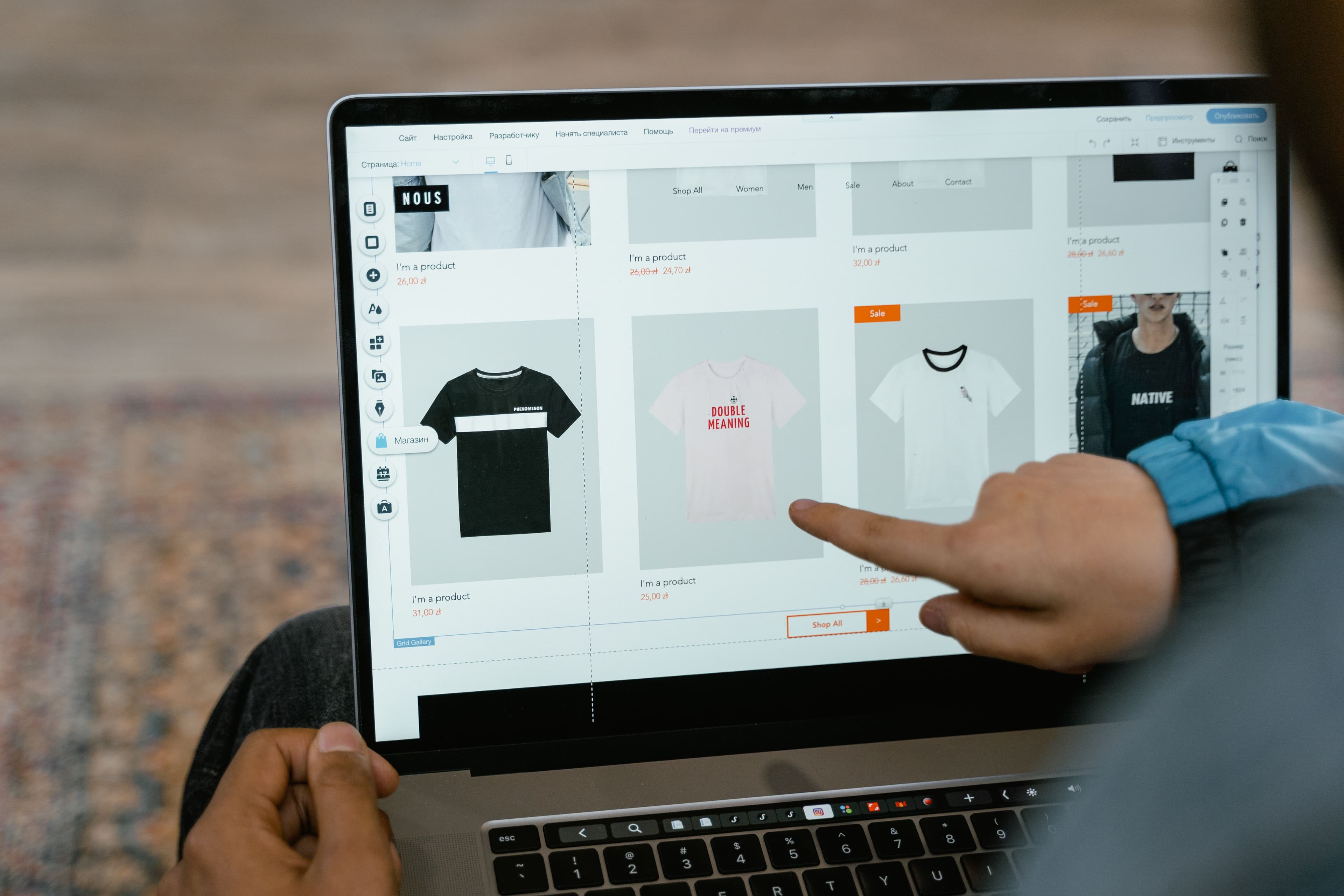
Wix or Shopify: Compare costs realistically
The total cost of an online store is not just the platform tariff. Consider payment processing, possible additional transaction fees, apps, design, domain, product maintenance and ongoing support. Always compare tariffs that actually include your needed features.
Platform and tariffs
Check which functions are included in the selected tariff and whether they fit the current range as well as the planned development.
Payment and transaction costs
Both platforms may incur payment processing fees. Shopify may add additional transaction fees depending on the tariff and payment provider selected. Check the applicable terms for your country and factor them into your margin.
Apps and interfaces
Extensions can be free or paid. Check ongoing app fees, dependencies, and maintenance effort before combining multiple services.
Establishment and operation
Set-up, product data, text, photos, legal requirements and ongoing maintenance cause effort regardless of the platform tariff. clarify what you take on yourself and what is commissioned externally.
The cheaper platform is not always the one with the lower monthly price – but the one that fits your processes and does not create expensive detours.
Wix or Shopify for SEO: What’s Crucial?
Wix and Shopify provide basics for page titles, descriptions, headings, images, and indexable pages, but that alone doesn't bring relevant visitors, with a clear assortment, helpful category pages, compelling product information, good internal linking, and a technically clean user experience.
- Search intent: Each category and product page should answer a specific question or need to buy.
- Structure: Visitors and search engines need to quickly understand products, categories and important information.
- Trust: Shipping, returns, contact, reviews, and clear product details often make more of a conversion than a single SEO feature.
- Technology: Mobile use, loading time, image sizes and tracking are part of the shop process right from the start.
Concretely compare how you can maintain page titles, URLs, redirects, product variants and structured data in your project. No platform replaces good content or guarantees visibility on Google.
Which functions become important in growing shops?
With increasing orders or additional sales channels, data maintenance, inventory, shipping, customer communication and interfaces become more important. Wix and Shopify should be measured against these specific requirements – not just their awareness.
Typical growth signals
Your assortment, variants or distribution channels will become much more extensive.
You need apps, automation, merchandise management, CRM, accounting or other interfaces.
You plan additional languages, countries or special B2B processes and have to check which functions your chosen tariff supports.
Even a small shop can be operated professionally without using any extension immediately. Choose the platform based on the next realistic development step and the associated costs.
Switching from Wix to Shopify: What to Consider?
A platform change is worthwhile if important functions are missing, the management becomes too complex or integration-related costs increase. First check whether the problem can be solved in the previous system. Moving requires effort for data, payment methods, design, tests and forwarding.
After the move, check products, variants, categories, orders, payment and shipping procedures. 301 redirects should be set up for changed addresses and important pages reviewed. Despite careful planning, temporary changes in search visibility are possible.
Wix or Shopify for Small Businesses: How to Decide
Before selecting the platform, write down how many products and variants you sell, which payment and shipping methods are needed and who will look after the shop later, and also ask if you already need to connect to merchandise management, accounting or other systems.
- Focus on the website: If services and content predominate and only a few products are supplemented, consider Wix as a possible solution.
- Online sales at the center: When products, orders and distribution channels determine everyday life, check the Shopify functions for your specific tariff.
- Specific requirements: Create a list of essential features and compare their availability, additional costs and maintenance effort in both systems.
A decision should be made using a concrete example: Test a typical item with variants, shipping and payment as well as the associated administrative tasks before commissioning long-term contracts or major adjustments.
YOUR NEXT STEP
Which shop system fits your requirements?
We look at the range, payment methods and processes together with you and clarify which platform and which functions fit your project.